Create an application
Create an application in the Tuix dashboard.
An application groups your PDF templates. Every render request is made against one application, whose ID is part of the request path. Before rendering a PDF, create an application in the Tuix dashboard.
Create an application
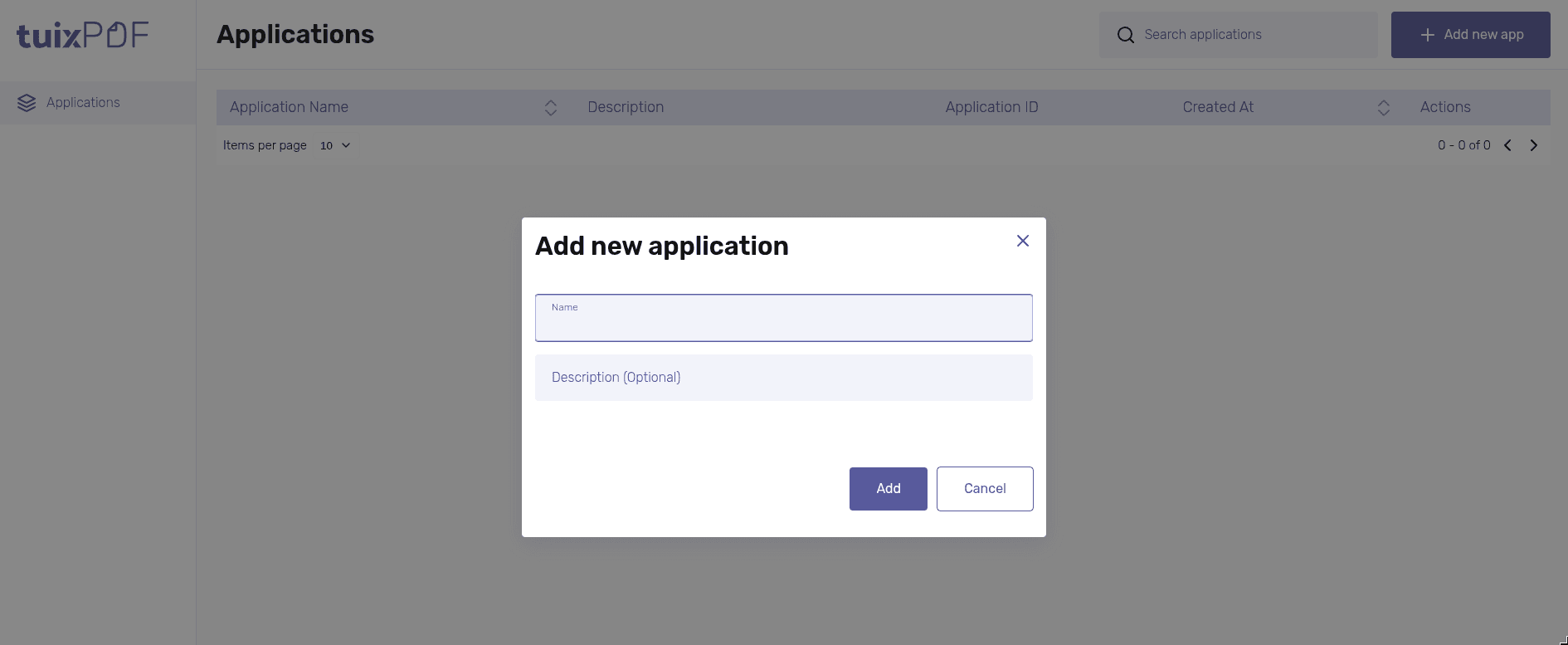
In the dashboard, open Applications and click Add new app.
Enter a Name and, optionally, a Description.
Click Add. The new application appears in the table with its Application ID.
| Field | Required | Description |
|---|---|---|
Name | Yes | Name of the application, e.g. "Invoices". |
Description (Optional) | No | Free text, only shown in the dashboard. |
Templates belong to an application. A template can only be rendered through the application it was created in.